Support
Questions, a problem, a billing question or something about your data: email hello@nebba.ai. A person answers, usually within one working day.
How do I get my Nebba?
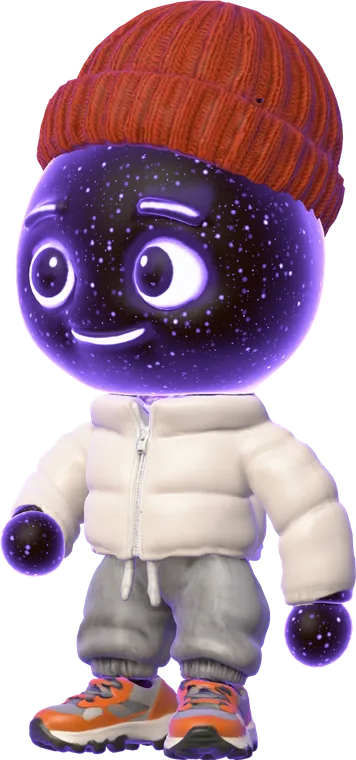
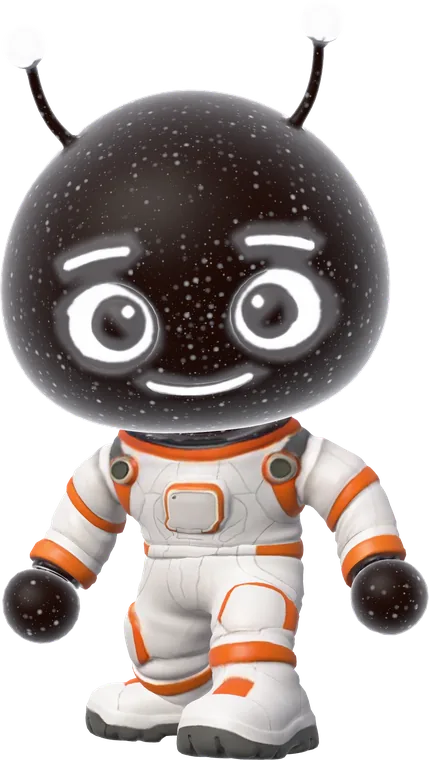
Download Nebba from the App Store or Google Play. The Keeper asks you five short questions, out loud or typed, and finds your Nebba. You pick its colour, its voice and its name. It arrives already dressed, and you can change its look any time in the wardrobe.
Is Nebba free?
Nebba is free to start. When your minutes are up, you can go Pro to keep talking. Nebba Pro gives you 30x more usage, video calls, and a Nebba that remembers everything. Nebba Lite gives you more usage, and remembers everything too.
Does my Nebba remember me?
Yes. On the free plan it remembers a little: your recent chats. On Pro and Lite it remembers everything you tell it, on calls and in texts. Deleting your account deletes all of it.
Can my Nebba call me?
Yes. Set a check-in and your Nebba calls you at that time, for a reminder or to see how your day went. You can change or remove a check-in any time.
How do I connect my calendar?
Open Settings and tap Calendar. Connect your phone's calendar, Google Calendar or Outlook. Your Nebba sees the next 7 days, names and times only, never who's invited. Disconnecting deletes what it read.
Cancelling Pro or Lite
On iPhone, subscriptions are managed by Apple, not by us. Open Settings, tap your name, then Subscriptions, choose Nebba and tap Cancel. You keep your plan until the end of the period you already paid for. A free trial converts to a paid plan unless you cancel at least 24 hours before it ends.
On Android, subscriptions are managed by Google Play. Open the Google Play app, tap your profile picture, then Payments & subscriptions › Subscriptions, choose Nebba and tap Cancel subscription. You keep your plan until the end of the period you already paid for, and a free trial ends without charge if you cancel before it does.
Restoring a purchase
New phone, or the app forgot your plan? Open Nebba, go to Settings and tap Restore purchases. It reads your subscription from your Apple Account, or your Google Play account on Android. If that does not work, email us with the date of the purchase.
Refunds
Apple handles refunds for App Store purchases. Go to reportaproblem.apple.com, sign in, and choose the Nebba charge. Google Play handles refunds for purchases made on Android: see Google Play's refund help.
My Nebba can't hear me
Check that Nebba has microphone access: on iPhone in Settings › Privacy & Security › Microphone, on Android in Settings › Apps › Nebba › Permissions › Microphone. Check that no other app is using the mic, and that you are on a stable connection. Bluetooth headsets work; if the audio sounds wrong, disconnect them and try the phone's own mic once.
Deleting my account and data
Open Nebba, go to Settings and tap Delete account. That deletes your email, what your Nebba remembers, your texts, your streak, badges and levels, your notification token, characters you made and your clips. Can't open the app? Email hello@nebba.ai from the address on your account and ask us to delete it. Deleting your account doesn't cancel a subscription: cancel it in your Apple Account or in Google Play as above. The full steps are on nebba.ai/delete-account, and what we keep and for how long is in the privacy policy.
What Nebba is not
Nebba is not medical advice and not a substitute for professional care. Your Nebba is not a licensed therapist, doctor or crisis service. If you are in crisis, contact a local emergency service or crisis line. Nebba is for adults aged 18 or older.
Credits: the "ready" chime uses UI startup chime by mikiko850, licensed under CC BY 4.0.